







Sprinter Game
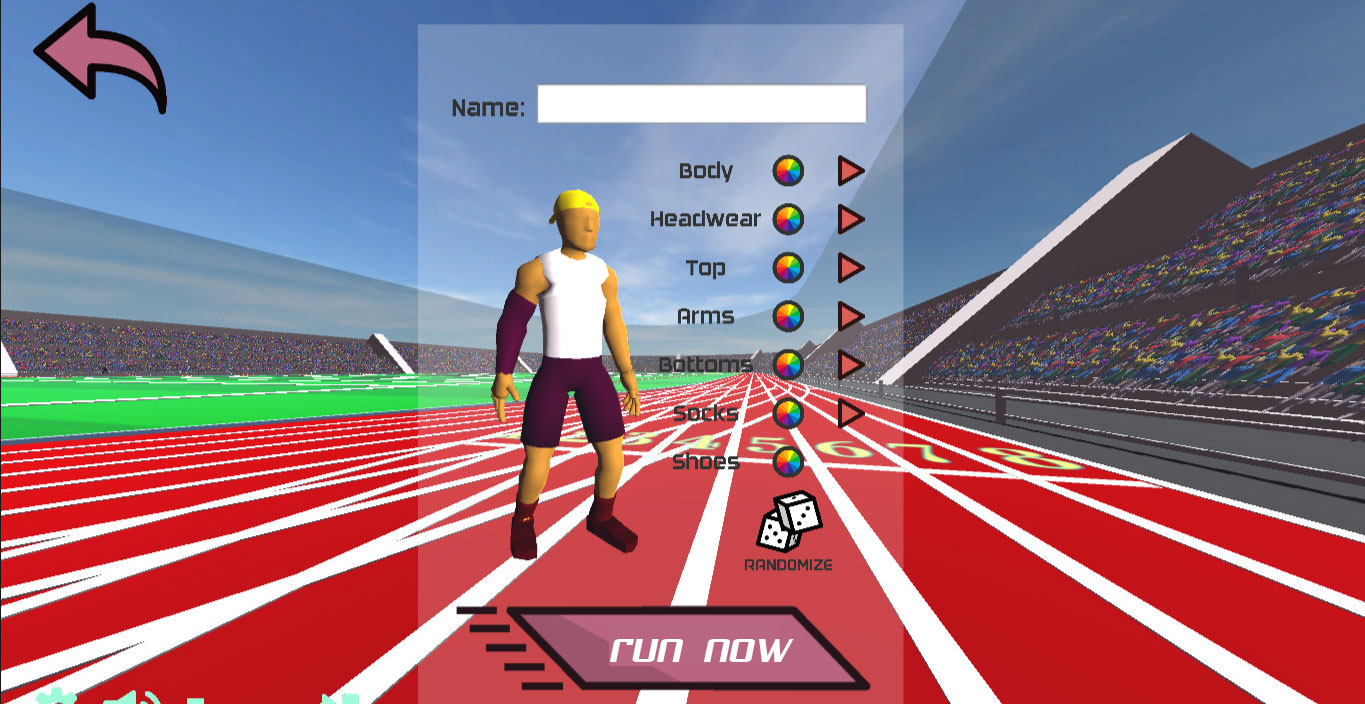
Sprinter Game is a compact 100 meter racing challenge from the classic Flash era. Alternate the left and right arrow keys, build speed without losing your cadence, and cross the line before increasingly quick rivals. The rule set takes seconds to understand, but a rushed input can turn a promising run into a stumble.
This Sprinter Game page places the playable race first and the useful guidance directly below it. The browser version uses Ruffle to preserve the original desktop experience, so a physical keyboard remains the most reliable way to compete. Click the game once if it does not immediately capture your arrow-key input.
What Is Sprinter Game?
Sprinter Game was created by Gamedesign.jp and released as a browser game in 2006. CrazyGames describes it as a simple Flash-era running game built around a sequence of 100 meter races. Each victory advances the runner to a tougher competition, where opponents accelerate more cleanly and punish uneven tapping.
The appeal of Sprinter Game comes from its narrow focus. There is no equipment tree or complicated playbook between you and the finish line. Improvement comes from timing two inputs, recognizing when the cadence breaks, and staying composed when another runner moves ahead during the second half of a race.
Sprinter Game Gameplay Features
One Clear Sprint
Every Sprinter Game heat uses the same readable objective: cover 100 meters first. Because the distance stays familiar, players can compare starts, stumbles, and finishing speed from one attempt to the next.
Rising Rival Speed
Later Sprinter Game opponents run faster than the early field. The progression changes the required tempo without adding confusing controls, so difficulty grows from execution rather than from extra rules.
Classic Presentation
Sprinter Game keeps the lively music and straightforward track view associated with its Flash origins. The visual feedback makes a weak start, clean acceleration, or costly fall easy to recognize.
How to Play Sprinter Game
To play Sprinter, use the Left Arrow and Right Arrow in an alternating pattern. Pressing one side repeatedly will not create the smooth running cycle you need. Begin with a deliberate left-right beat, then increase the tempo only after the runner is moving without wobbling.
Sprinter may ignore the keyboard until the embedded player has focus. Click once inside the game frame, return both hands to a comfortable position, and wait for the start. The title is listed as desktop-only because the original control scheme expects real arrow keys rather than touch gestures.
Sprinter Game Tips and Strategy
Treat Sprinter like a rhythm exercise rather than a button-mashing contest. Listen to the sound of the keys and aim for even gaps between every press. If the sound becomes irregular, reduce the pace for two steps and rebuild instead of continuing a sequence that is already causing the runner to lose balance.
A strong Sprinter start matters, but pressing before you are ready can ruin the first stride. Set your fingers lightly over the arrows and respond to the race rather than tensing your hands. Relaxed inputs are easier to repeat, especially in later heats where the required rhythm is quicker.
Use each Sprinter restart to test one adjustment. You might begin slightly slower, focus on the midpoint, or try to keep the final ten meters as smooth as the opening ten. Changing one habit at a time produces clearer feedback than using a completely different tapping style after every loss.
Why Sprinter Game Stands Out
Unlike long track-and-field simulations, Sprinter removes event selection and management systems. Its short heats provide immediate results, making it suitable for a quick browser session or a friendly turn-based challenge. The same simplicity also exposes mistakes: success cannot be blamed on upgrades or a favorable character build.
Sprinter also differs from four-key physics runners such as QWOP. You are not controlling individual muscles. The challenge is to maintain a two-key cadence while the game translates that rhythm into acceleration and balance, creating a more approachable race without making the fastest levels automatic.
Sprinter Game FAQ
What are the Sprinter Game controls?
Use the Left Arrow and Right Arrow keys in alternation. If the keys do not respond, click inside the embedded player once and try again.
How long is each Sprinter Game race?
Every heat is a 100 meter sprint. A single attempt is brief, while the full challenge continues through a series of increasingly fast opponents.
Who made Sprinter Game?
Gamedesign.jp created the original Flash game. The browser edition available here is delivered through an embedded player that preserves the classic experience.
Can Sprinter Game be played on a phone?
The original game is designed for desktop arrow keys. A phone may display the page, but a keyboard provides the intended and most dependable controls.
Play Sprinter Game Online
Sprinter is at its best when you stop chasing frantic speed and start chasing repeatable rhythm. Load the race, settle your hands, and use each short heat to make the next left-right sequence cleaner than the last.